Systems Built · Ongoing
Smart Home
The goal was never a house that looks smart. It was a house that is smart, quietly, invisibly, without making anyone learn anything new. Every switch works like a switch. Every light behaves like a light. The automation happens behind the wall, and nobody has to know it's there.
The Philosophy
Looks Dumb. Isn't.
The old house was a lesson in what not to do. Different brands of smart switches, all paddles, all slightly different, it looked thrown together because it was. Worse, anyone who didn't know how the system worked was lost. Guests stood at switches that required explanation. That's not a smart home. That's a complicated one.
Shelly relays changed the approach entirely. They go behind the switch, behind any switch, any style, any age, and add intelligence without changing what the switch looks like or how it feels. The original toggle, the original paddle, the builder-grade rocker that came with the house: they all still work, exactly as expected. The Shelly handles the smarts. The switch keeps its character.
Most switches run in edge mode. This means if a light gets turned off by automation or phone, the next flip of that switch, up or down, will reverse it. No getting stuck in the wrong state. No light that won't respond because the switch is "off" while the app thinks it's "on." The physical switch and the system stay in sync without the user ever thinking about it. That's the whole point.
Wireless controllers fill the gaps that wall switches can't, stuck to a nightstand, the side of a cabinet, wherever they're needed with no wiring at all. Cooper has one by his bed. One button calls me; another turns on the hall light. No learning curve. He's been using it since he was small. The house doesn't make you feel like a guest in it.
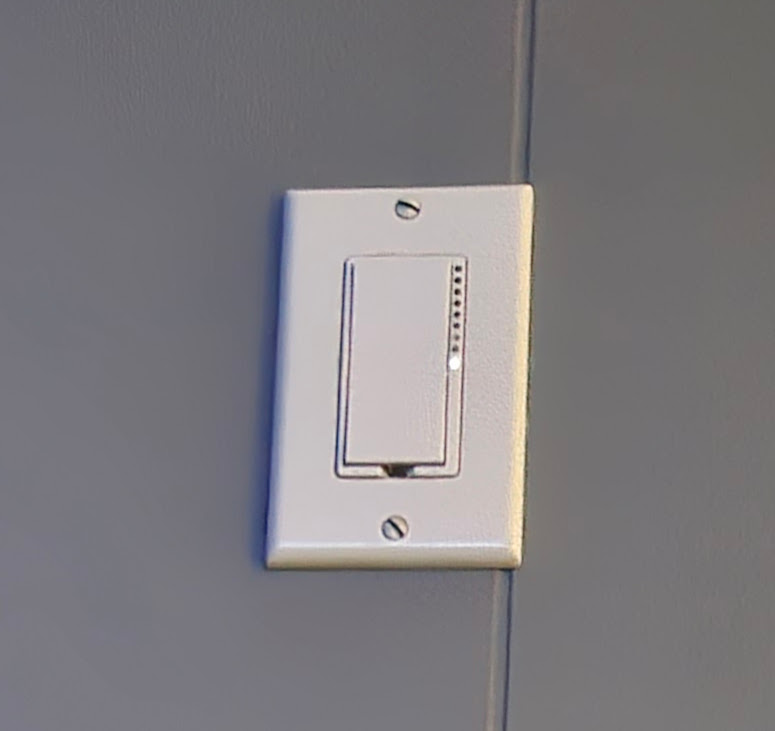 The old approach, paddles that screamed "smart switch"
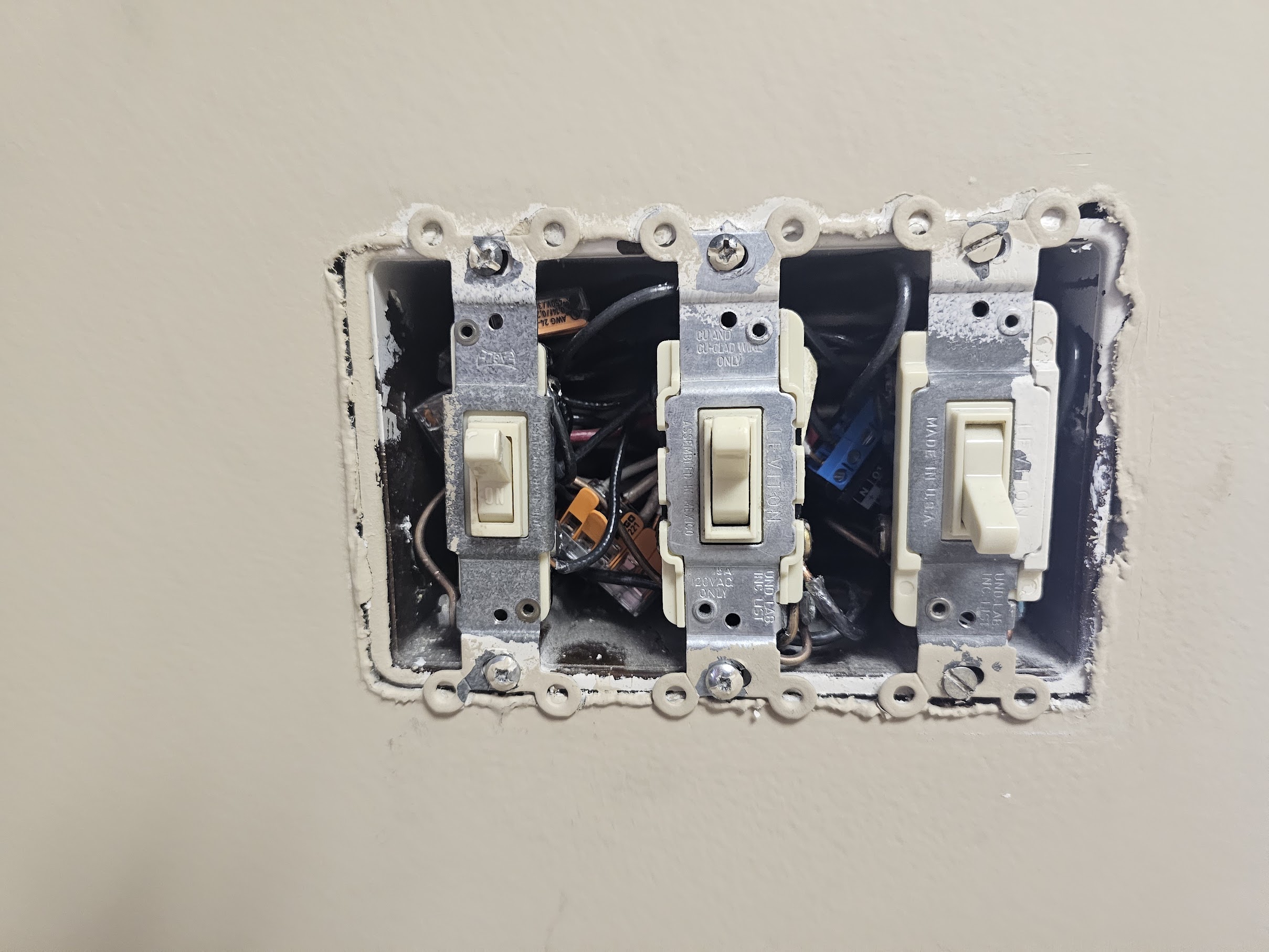 Inside a 3-gang, the switches nobody sees are getting smarter
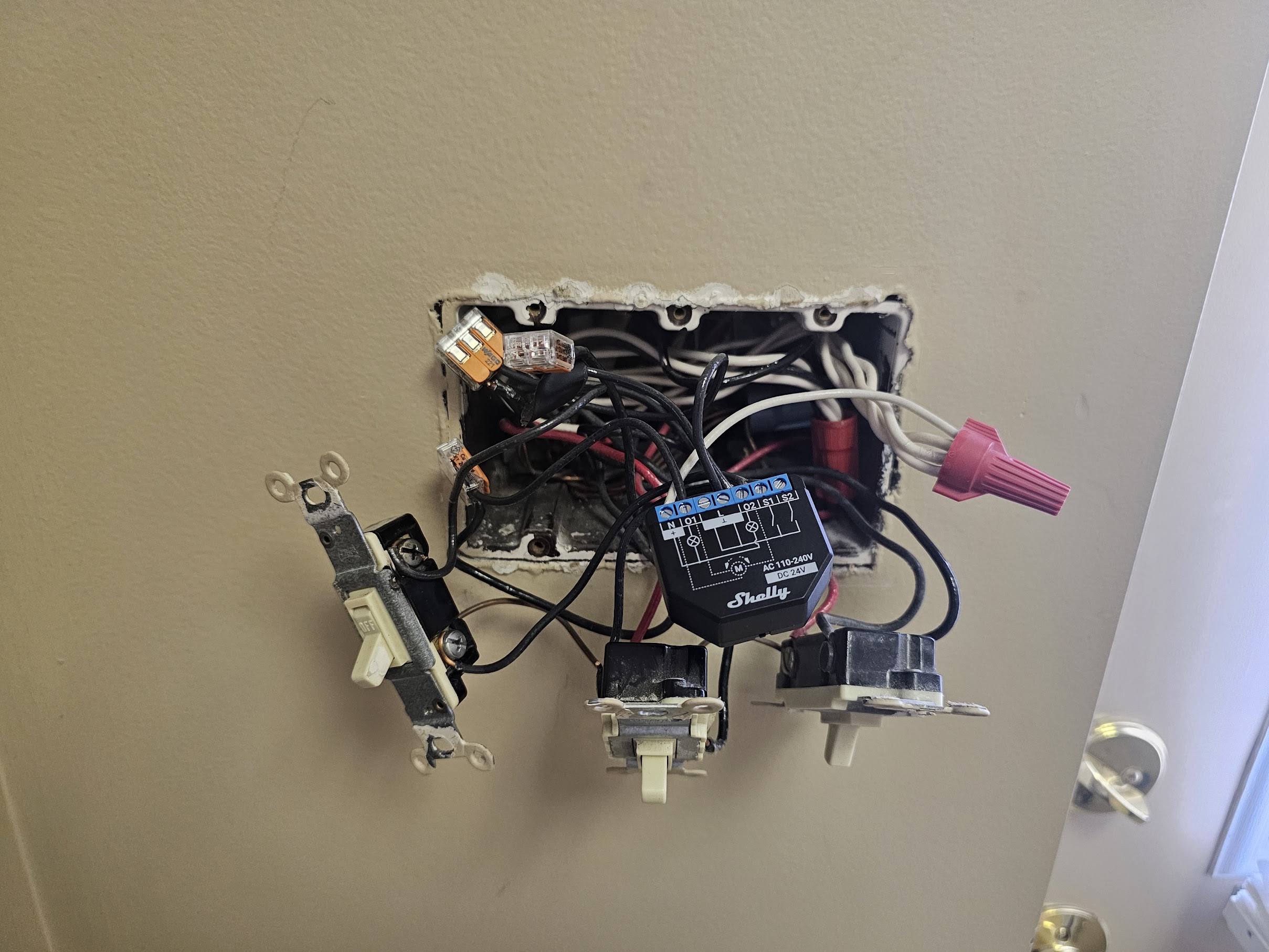 Shelly wired in, plate goes back on, nothing looks different
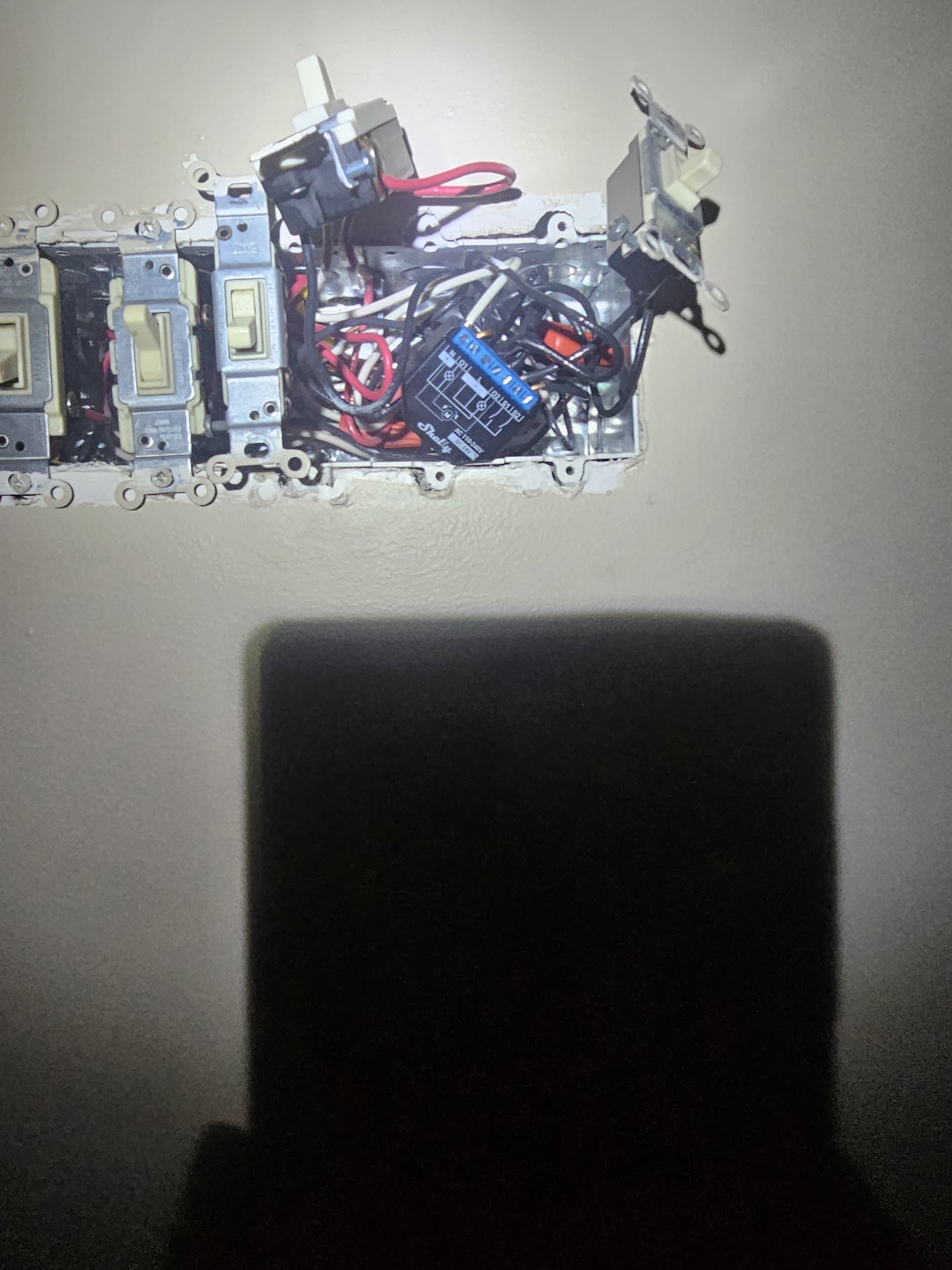 Five switches. Two Shellys. Looks exactly the same from outside.
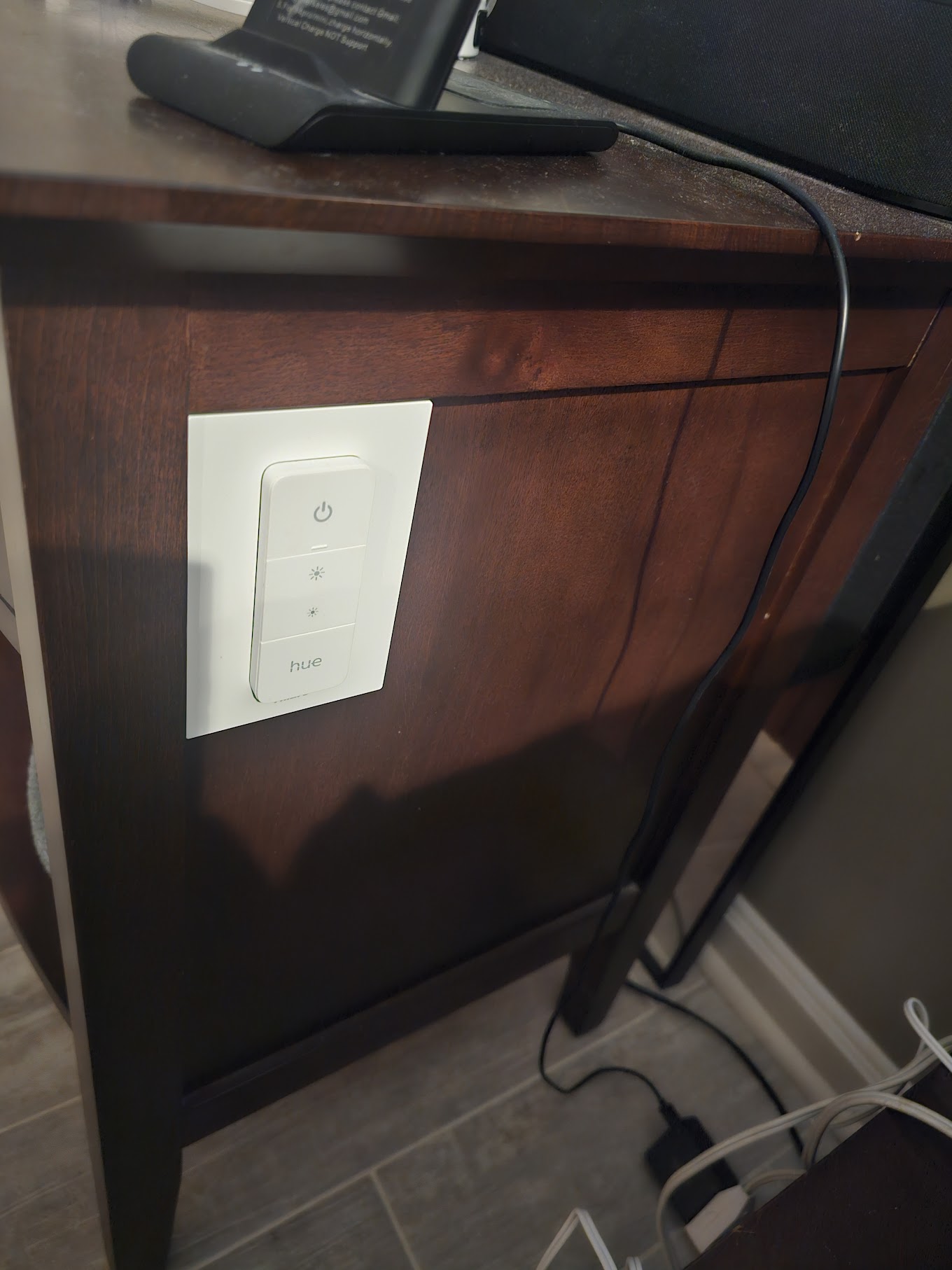 Hue wireless controller, stuck to the nightstand, no wiring
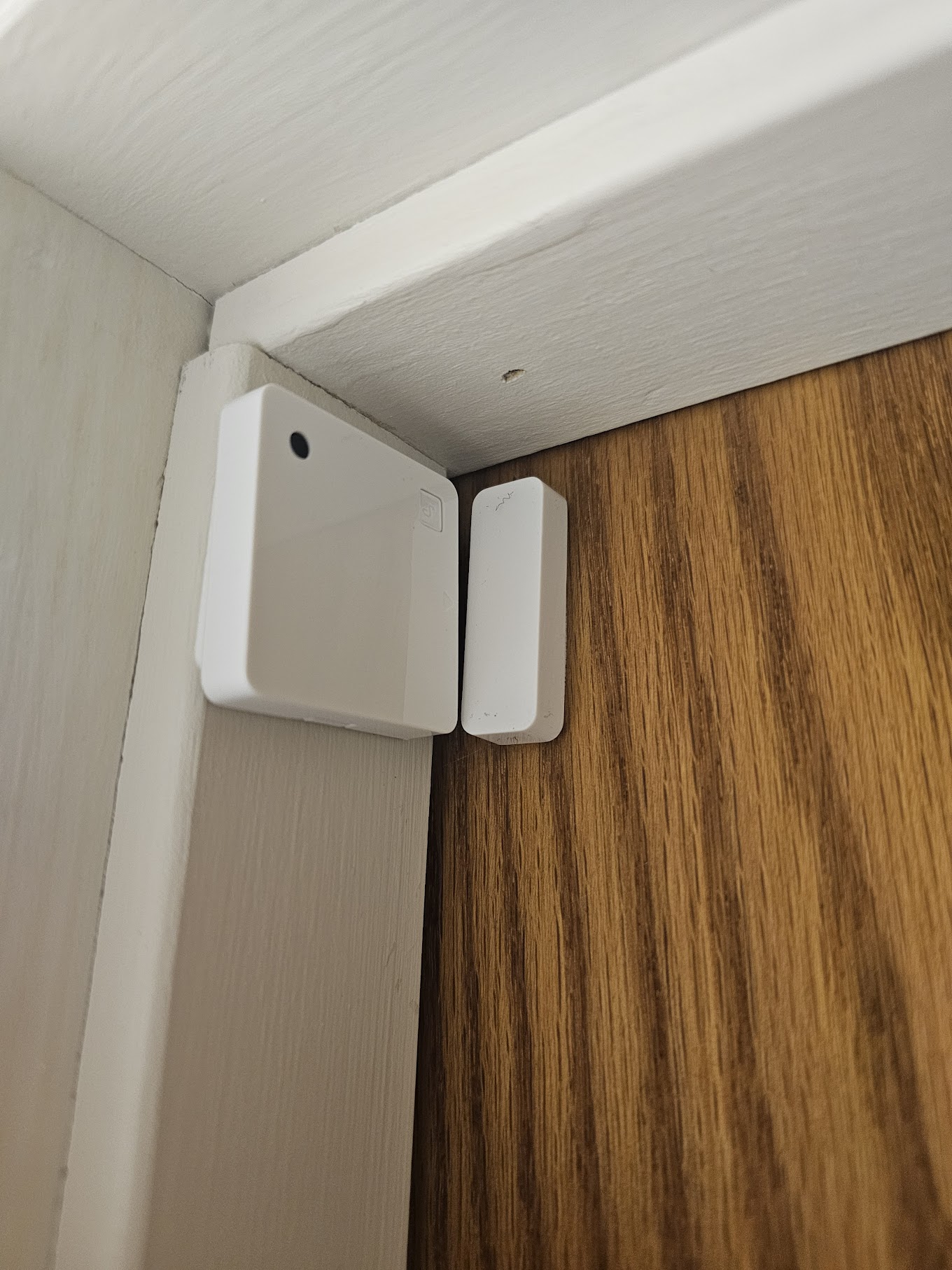 Door sensor, open it, the light comes on
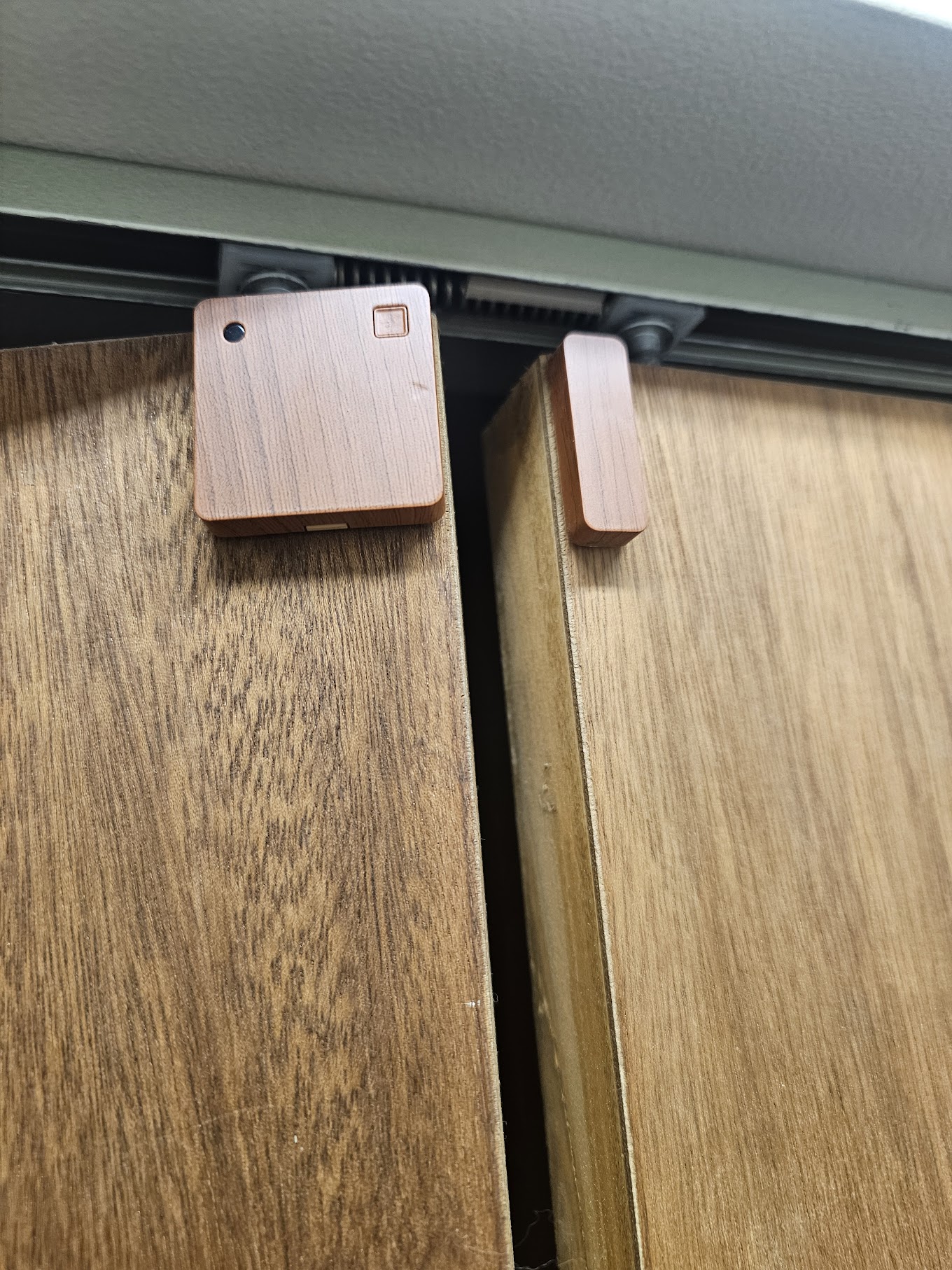 Same logic, different surface, no drilling needed
Deployments
What It Actually Does
Every automation was designed so that a person who knows nothing about it can still use the house without friction.
All Switches, Edge Mode
Every Shelly-backed switch runs in edge mode. If automation or the app changes a light, the next switch flip reverses it, up or down, it doesn't matter. Physical and digital stay in sync.
Cooper's Nightstand Button
One button calls me and puts a message on the TV. Another turns on the nearby hall light. He's used it since he was small. No learning curve, just a button that does what he needs.
Bedtime Button
One button on the nightstand turns off every light in the house. No app, no routine to remember, no going room to room. Press it, lights out.
Door Sensors
Open a door, a light comes on. Close it, the light goes off on a timer. The wall switch still works exactly as expected, guests don't need to know anything.
Motion & Light Sensors
Garage lights fire when motion is detected. The same sensors read ambient light, if a room is already bright enough, they won't turn on, and they'll shut things off when the house has been lit long enough.
RATGDO Garage Integration
The garage door sensor ties into Home Assistant. It knows if the door is open or closed, and uses that to control lights, and to send reminders when it probably shouldn't still be open.
Deck & Platform Lights
Step lights on the deck and theater platform are Shelly-controlled and tied to sunset automations, on every night, nobody touches them. The full story is on the Integrated Lighting page.
Theater Screen & Lights
Two of the theater switches send commands to Home Assistant rather than directly controlling anything, one raises and lowers the 120" screen, one controls the platform step lights. Physical switches, smart behavior, no visible difference.