Built Work · 2021–Ongoing
HomeLab
One server in the attic. No monthly fees. No content licenses expiring. No cloud required. Just infrastructure that runs.
Project Walkthrough
Phase by Phase
Synology DS220+: The Starting Point
It started with a problem: too many devices, not enough storage, and no good way to share files between them without handing everything to a cloud service. The Synology DS220+ was the answer, a plug-and-play 2-bay NAS with a clean web interface and enough smarts to get serious with. Two drives in RAID 1 for mirroring, 2 TB each. It worked well enough to reveal exactly what was possible next.
Docker containers came with it. A handful at first, Home Assistant to centralize the smart home, a media stack starting to take shape. The collection grew faster than the storage. Sixteen terabyte drives went in. But the real ceiling wasn't the drives, it was the architecture. Two bays, RAID 1 only, no path to expand without replacing the whole unit, and Synology locking newer hardware to proprietary drives. The NAS that taught everything had hit its limit.
Building the Unraid Server
The replacement wasn't a bigger Synology. It was a full ATX build, the same chassis logic as a gaming PC, but purpose-built for storage and always-on workloads. The operating system was Unraid, chosen specifically because it doesn't require matching drives. Add one drive at a time, any size, and parity protection covers the whole array. Three 16 TB Seagate Exos drives went in: two data, one parity, ~30 TB usable.
The real revelation was the cache pool, two 2 TB NVMe drives in mirrored BTRFS RAID1. All Docker containers run from the NVMe cache. New media writes to the fast drives first; the overnight mover pushes it to the spinning array. The performance difference from the Synology was immediate and obvious. The drives from the old NAS moved over; the Synology was retired. An RTX 4060 went in for hardware video transcoding in Plex and AI object detection for the security cameras via Frigate.
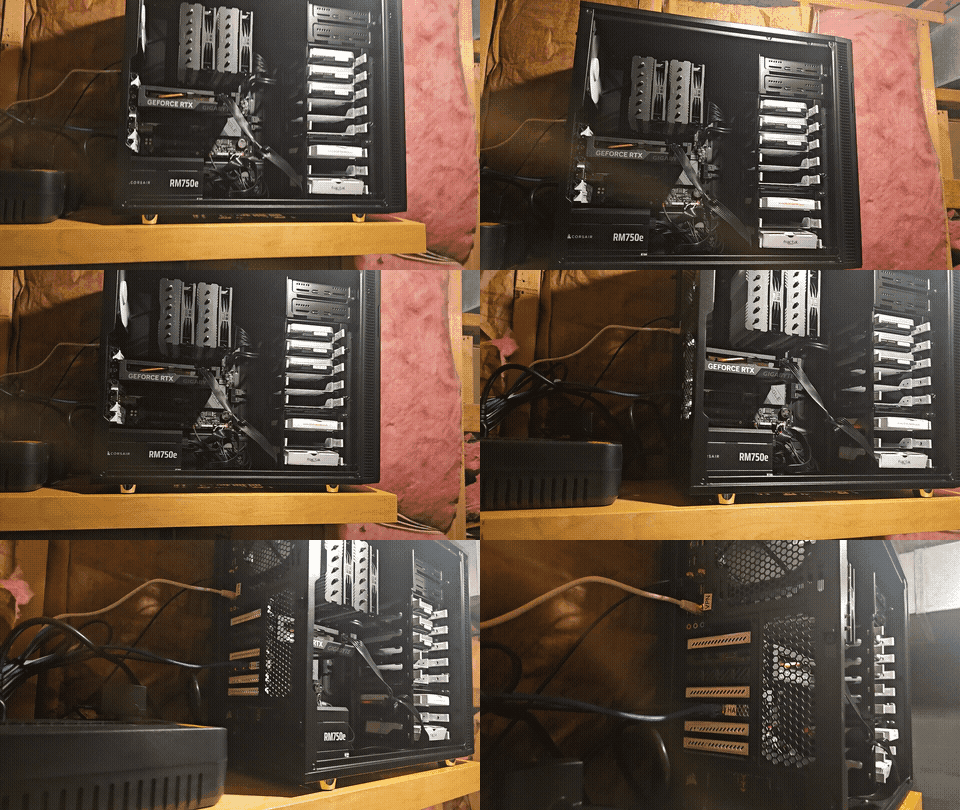
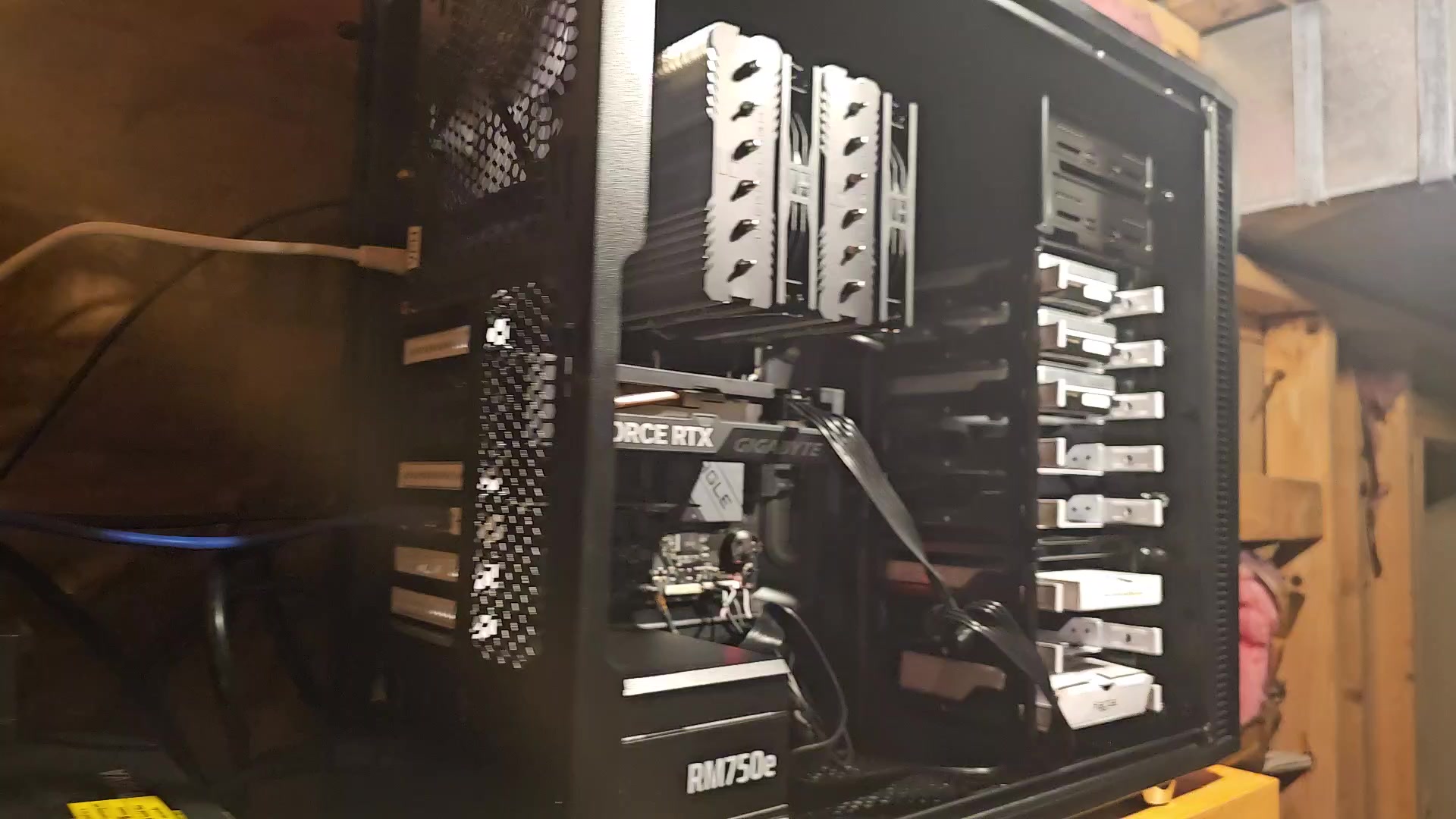 Full build
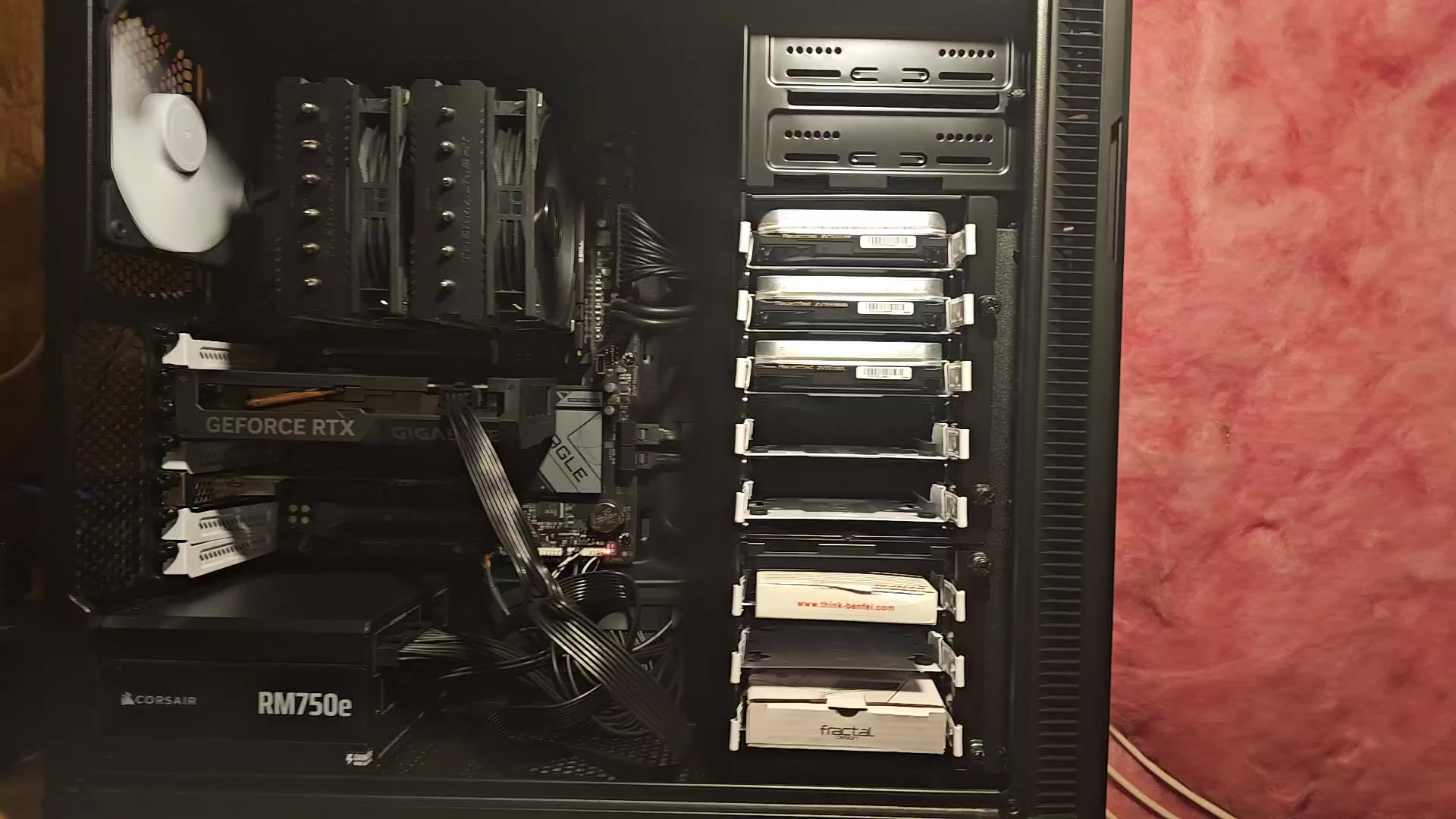 Drive bays loaded
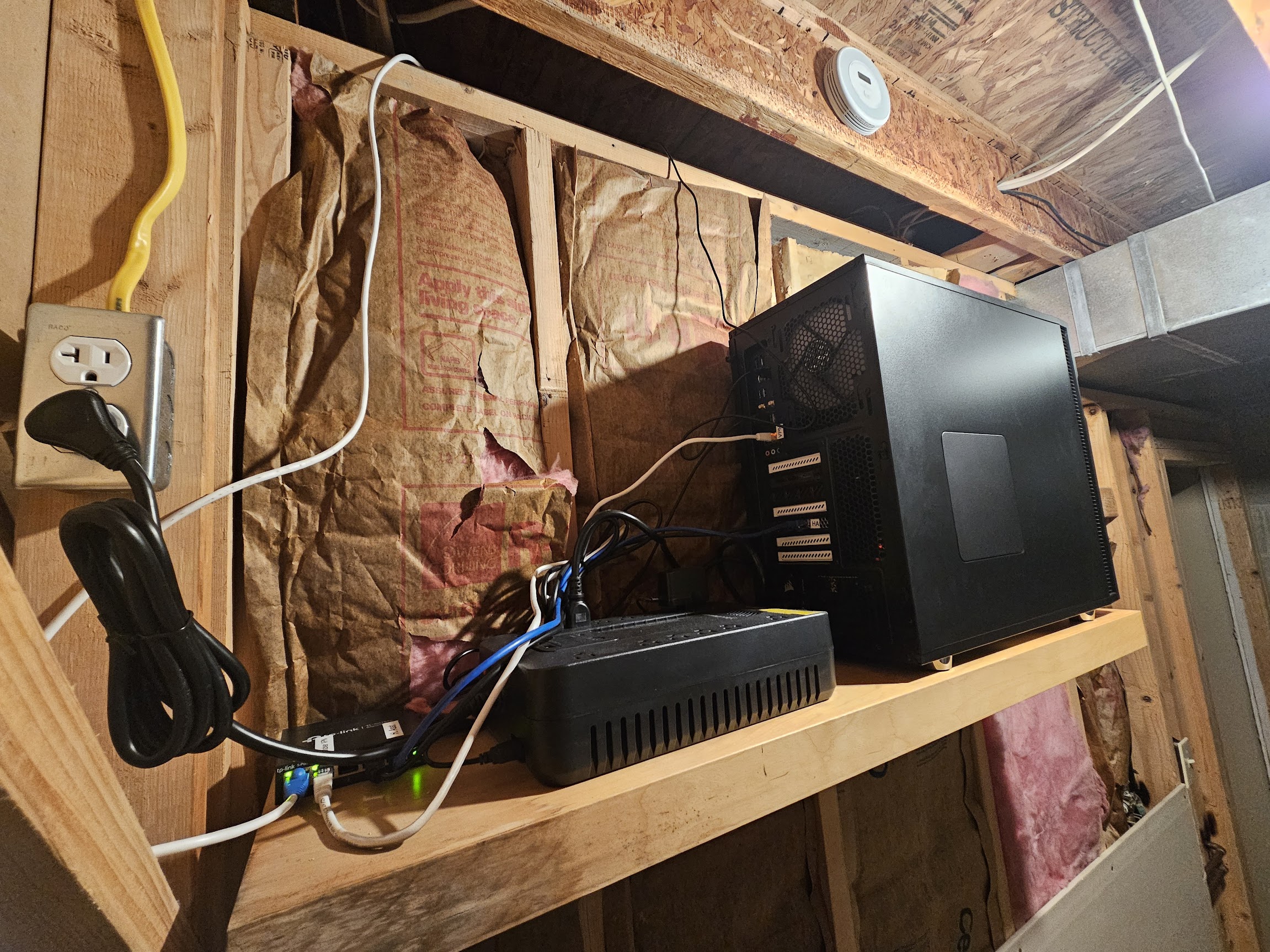 In production
Infrastructure as Code
The early years of running containers was manual, configure through a UI, tweak settings over time, accumulate changes that exist nowhere but inside the running container. Rebuild it and you start over. That fragility was the next thing to fix.
Every container configuration moved into Docker Compose files, stored in a Git repository on the MacBook. Syncthing automatically syncs that repository to the Unraid server. Dockhand reads the compose files and manages deployments. Watchtower handles image version updates. The result: the entire stack can be rebuilt from the repo. Changes flow from Git to the server without any SSH session, edit the file, save it, and Syncthing carries it over. It's a DevOps pipeline for a home server, and it's made the whole system feel solid rather than fragile.
SCHMIDTFLIX: The Gaming PC Joins the Stack
The second machine in the lab isn't a server, it's a gaming rig that pulled too much homelab weight to pretend otherwise. AMD Ryzen 7 7700X, 128 GB RAM, and an NVIDIA RTX 5080. It runs Plex Media Server natively, hosts a Hyper-V Kali Linux VM, runs WSL2 Ubuntu for development, and runs LM Studio for local AI inference directly on the 5080. Everything that benefits from raw GPU compute lives here.
The name SCHMIDTFLIX comes from the Plex instance, it's been the household's streaming service since the media stack outgrew relying solely on the Unraid server for playback. The gaming PC handles the transcoding load on the most demanding sessions. It lives in a dedicated closet alongside the networking stack, quietly doing multiple jobs at once.
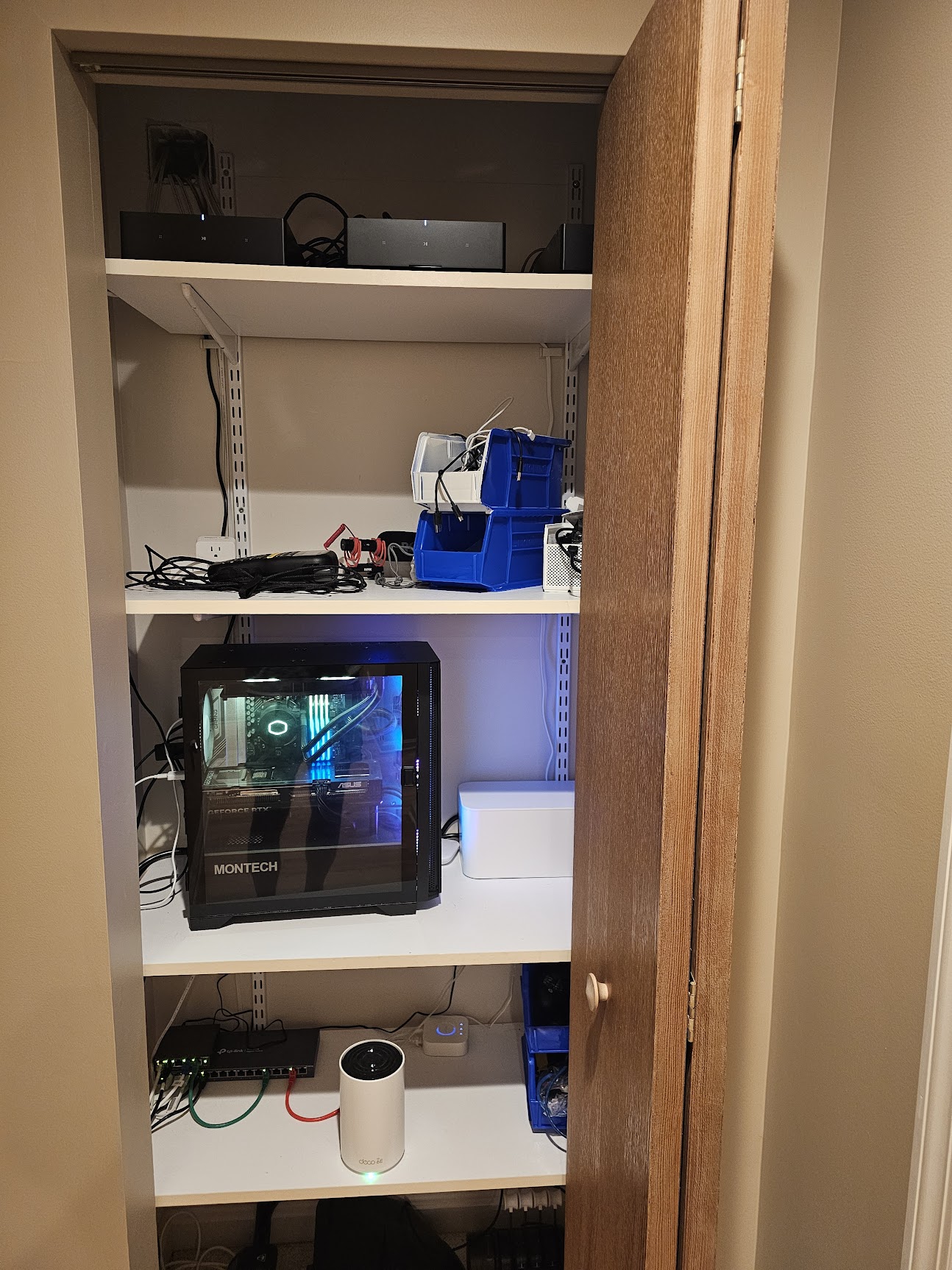 The closet setup
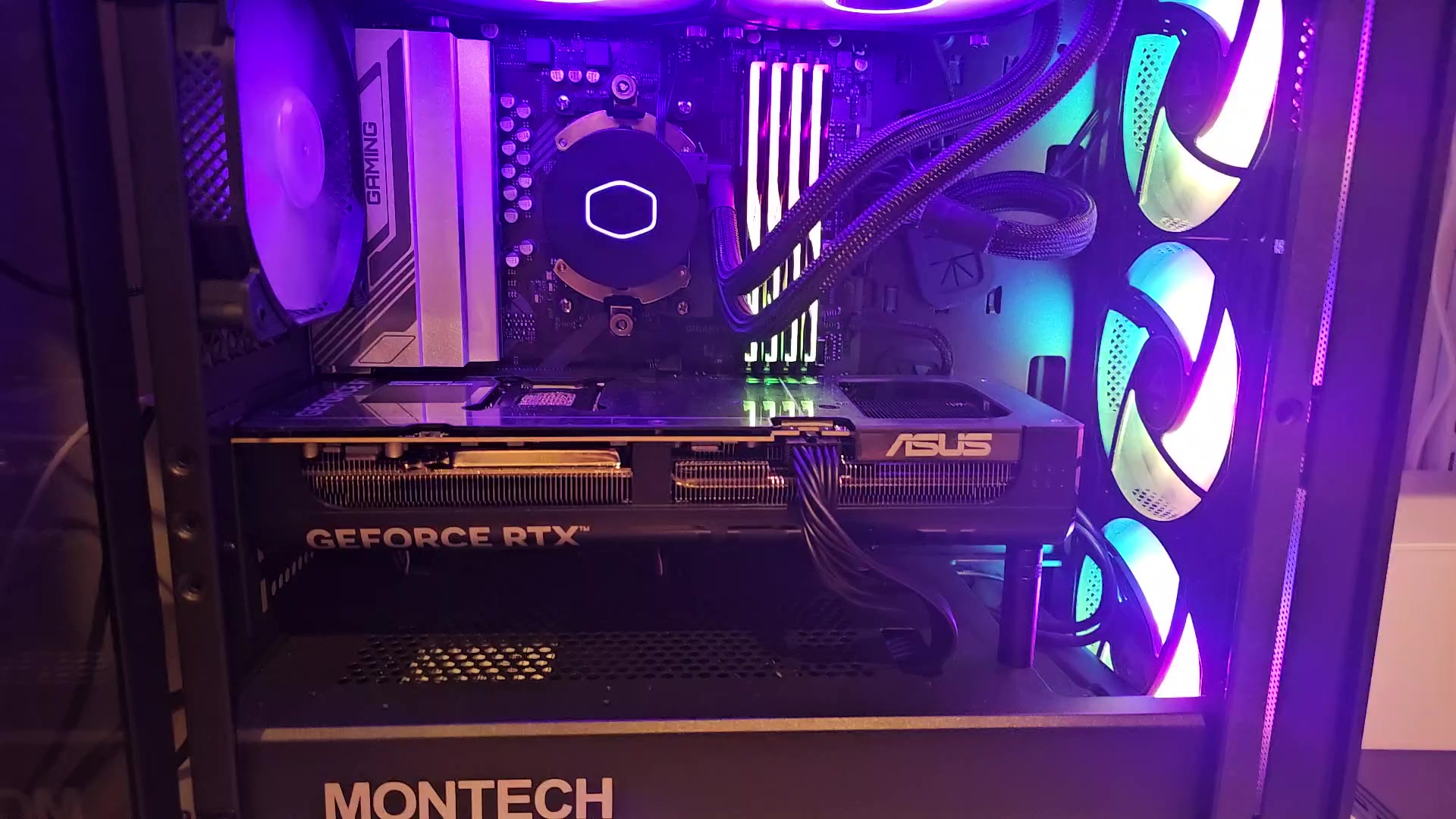 RTX 5080 inside
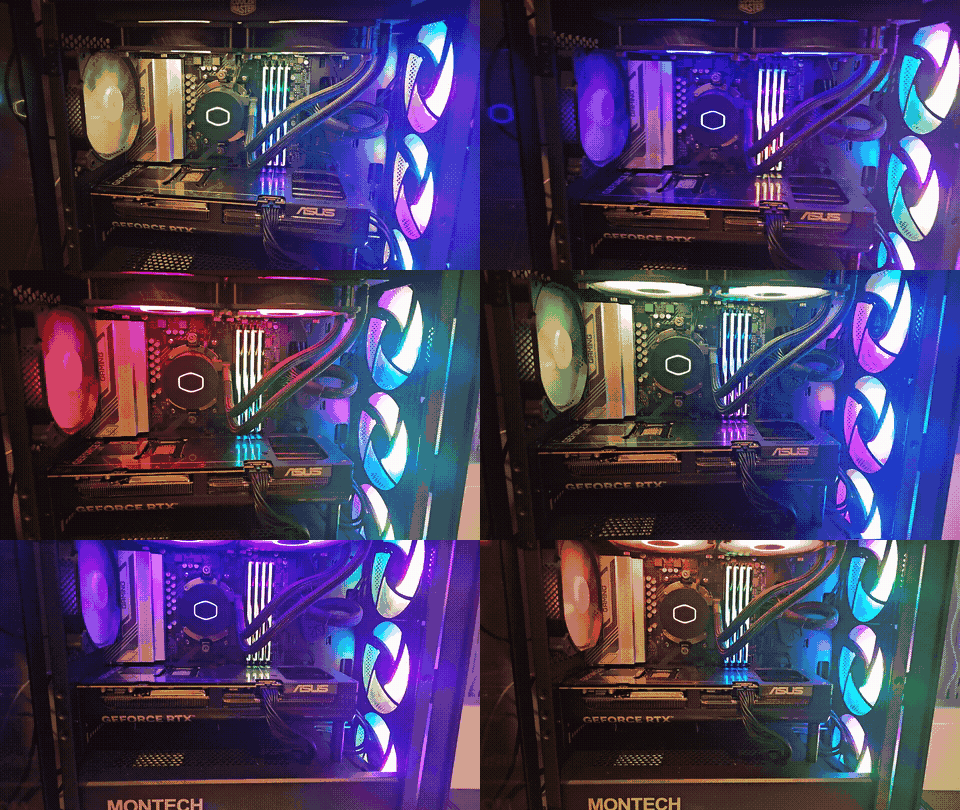
The Point of All of It
What It Replaces
Every service running in the lab displaces something that used to cost money, send data somewhere, or stop working when a company changed its terms.
Netflix, Hulu, Disney+
Plex + self-hosted media library
Sonarr, Radarr, and SABnzbd organize the library. Content sourced from physical media I already own.
Cable / satellite TV
HDHomeRun + Plex Live TV
One antenna in the attic. Live local broadcast on every screen through Plex.
Dropbox / iCloud Drive
Syncthing
Files sync across every machine automatically. No cloud account. No quota.
Google Drive document scan
Paperless-NGX
Scan, OCR, and full-text search every paper document. Permanently.
Ring / Arlo cameras
Frigate
AI object detection running on the RTX 4060 + Coral USB TPU. No cloud, no subscription.
Nest / SmartThings / Alexa
Home Assistant
Every light, sensor, and camera in one fully local system. No hub-sunset risk.
ChatGPT / Claude API fees
LM Studio on RTX 5080
Large language models running locally and privately on SCHMIDTFLIX. No tokens, no limits.
Google / DuckDuckGo
SearXNG
Private search at search.schmidtworx.com. No query logging. No ad profiles.
The Stack
What Runs On It
Media
Plex
Streams everything to every screen. The single app for all media.
Sonarr / Radarr
Manage and organize the TV and movie library. Tracks what's in the collection and keeps metadata clean.
Prowlarr
Indexer manager that integrates with the *arr apps for library lookups and metadata matching.
SABnzbd
Usenet client for acquiring digital copies of physical media I own. Integrates with Sonarr/Radarr via hardlinks.
HDHomeRun
OTA antenna tuner in the attic. Live local TV through Plex.
Tautulli
Tracks Plex playback history and stats.
Smart Home
Home Assistant
Central automation hub. Lives on the IoT VLAN. Fully local.
Frigate
AI camera system using RTX 4060 + Coral USB TPU for detection.
Mosquitto
MQTT message broker tying Zigbee devices and automations together.
Networking & Access
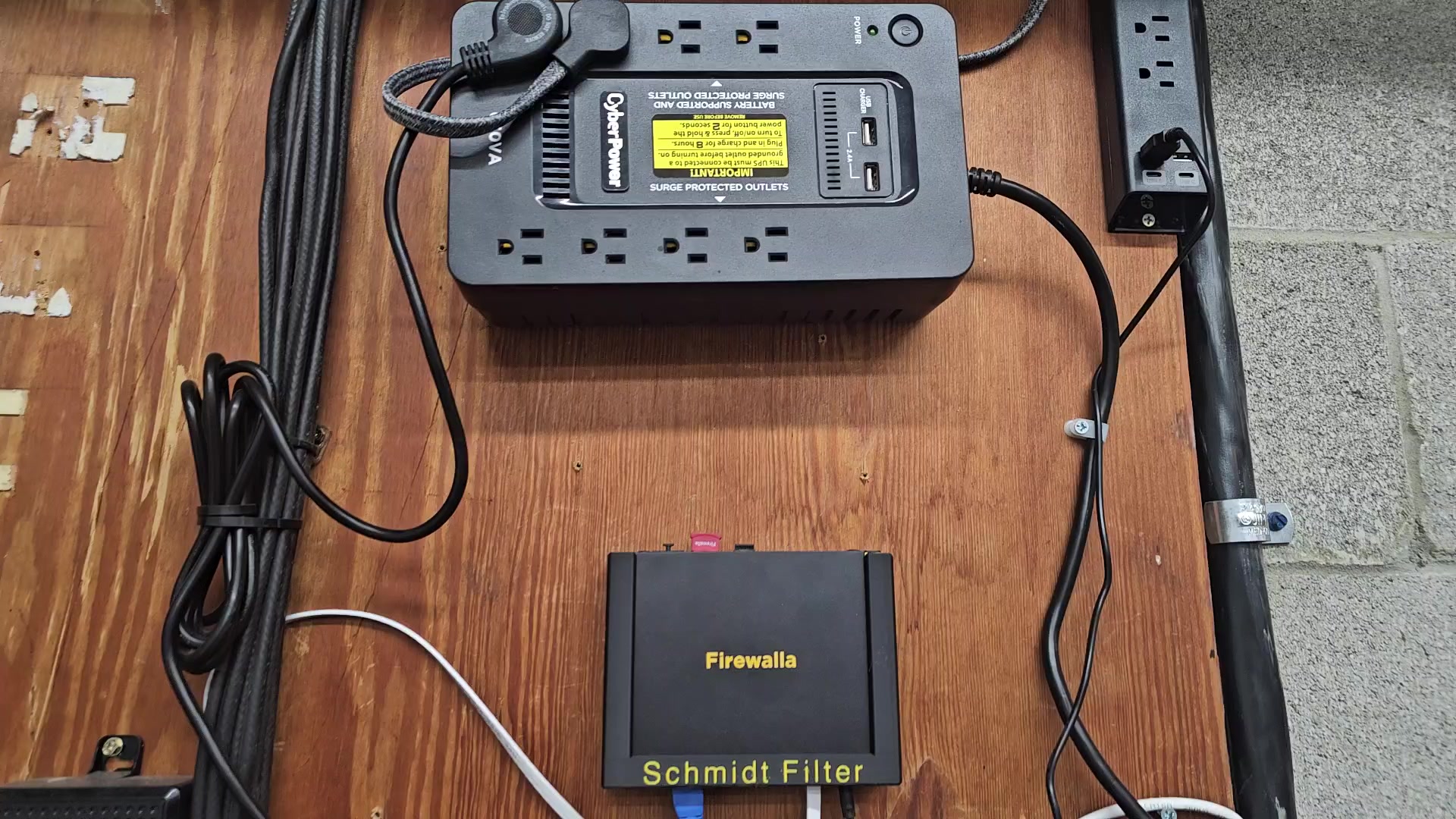 Schmidt Filter
Traefik
Reverse proxy routing *.schmidtworx.com subdomains to containers.
Cloudflare Tunnel
External access with no open ports and no home IP in DNS.
VLANs
IoT devices isolated from the main network at the router level.
Productivity
Paperless-NGX
Scans, OCRs, and makes every paper document permanently searchable.
SearXNG
Private search engine. No query history, no ad profiles.
Stirling PDF
Local PDF tools. Files never leave the house.
LM Studio
Local AI inference on SCHMIDTFLIX's RTX 5080. No tokens, no cloud.
Infrastructure
Syncthing
File sync between MacBook and server. Also drives the deploy pipeline.
Dockhand
Reads Docker Compose from Git and manages container deployments.
Watchtower
Keeps container images updated automatically.
Homepage
Dashboard at homepage.schmidtworx.com. Everything in one place.